
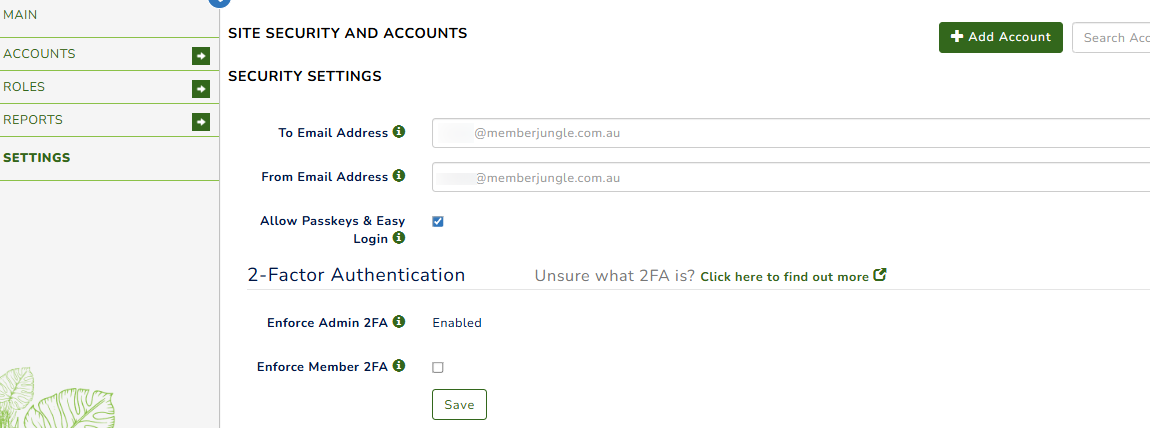
Security Settings
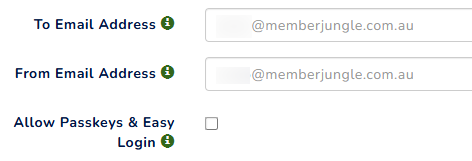
- To and From Email Address: When members or users lock themselves out of their accounts, usually due to multiple failed login attempts, the system will send an email to the Security Administrator.
Enter the email address you want to receive notifications in the 'To Email Address' field. If you prefer a specific 'From' address, you can also add this.
By default, both addresses are set to the current site contact.
- Allow Passkeys & Easy Login: This functionality provides all users in the system the option to configure Passkeys or OTP when accessing the system. Please see here: How to configure a Passkey, Authenticator App, and enable the 2FA as a Member or User.
2 Factor Authentication ( 2FA )
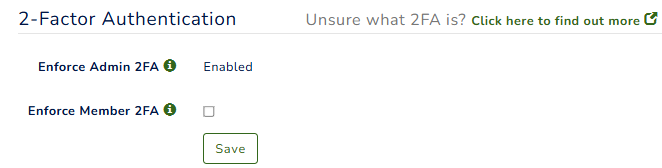
- All users with administrative permission and site admins are required to enable 2FA. The system will prompt them to enable this feature upon logging into their account. Please see : Enable Two-Factor Authentication (2FA)
- For members without administrative access, 2FA is optional unless you choose to enforce it. To enforce 2FA for members, simply tick the option.For more information about each setting, hover your mouse over the ‘i’ icon to view the tooltip.
The 2FA code will be sent to either your email address or via SMS (free).