
To get started, navigate to Module > Friendly URL Redirects, then click Add Friendly URL.
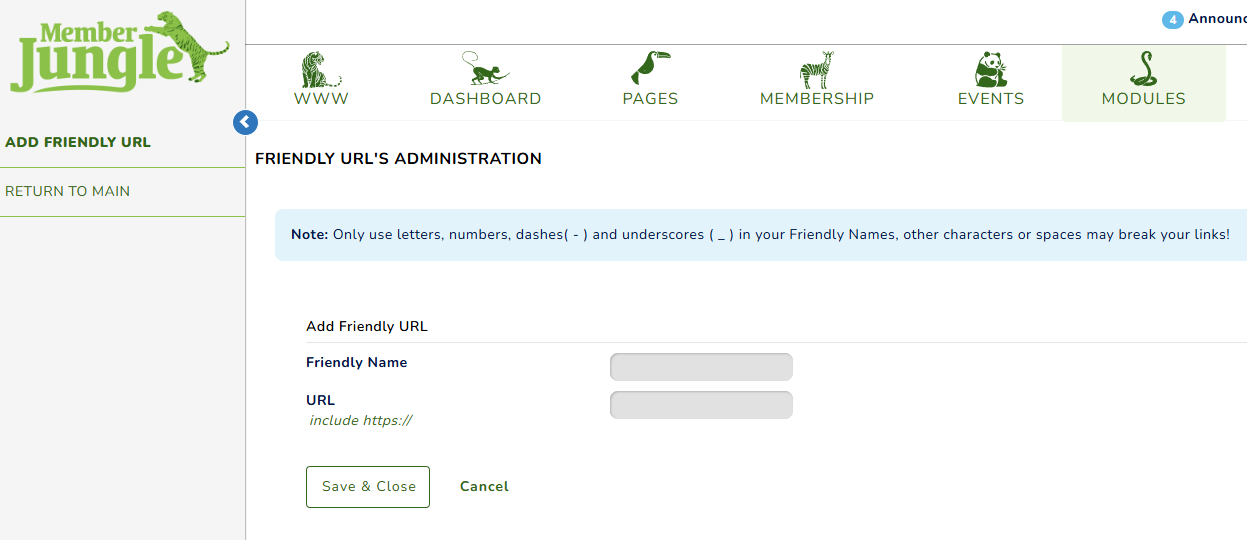
Note: Only use letters, numbers, dashes( - ) and underscores ( _ ) in your Friendly Names, other characters or spaces may break your links!
Friendly Name: Enter your preferred, descriptive name for the link.
URL: Paste the full original page link.
Click save and close.

Once saved, the link is inactive by default. Please feel free to activate the link once ready.
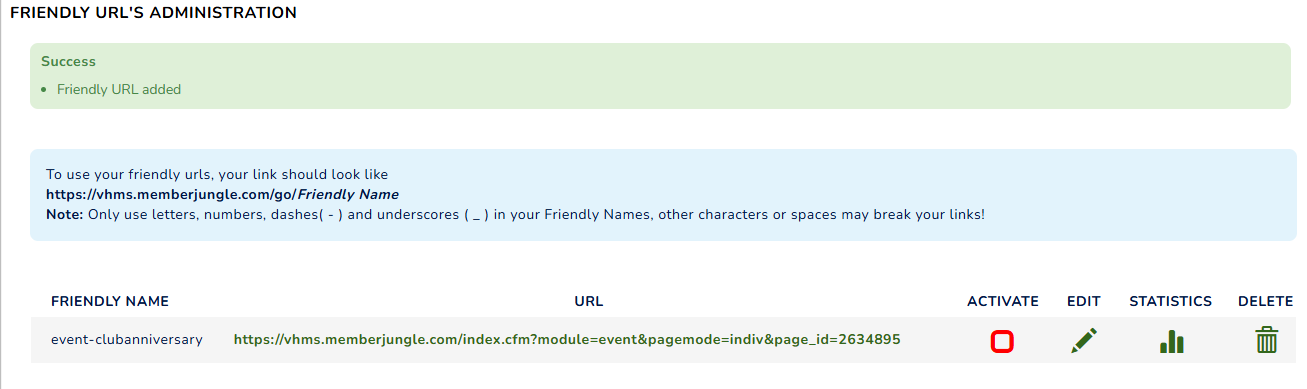
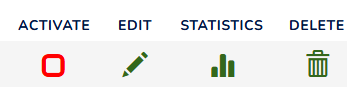
Activate: Turn the friendly URL on so it can be used.
Edit: Make changes to the friendly URL.
Statistics: Shows a report of how many times the friendly URL was clicked.
Delete: Remove the friendly URL from the system.
To get your full friendly URL, use: https://[your-website-link]/go/friendly-name